

win10更新后win10开始菜单没反应的解决方法:
1、打开任务管理器(或者点击CTRL+Shift+ESC) 2、点击“文件” - “运行新任务” 3、请确保勾选”使用管理员身份创建这个任务“ 4、输入:Powershell
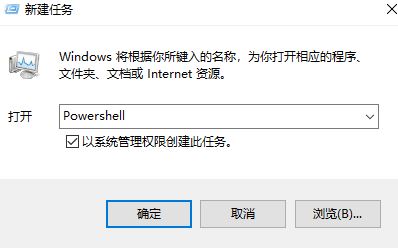 5、在Powershell中,输入以下两条命令:(两条都要回车) $manifest = (Get-AppxPackage Microsoft.WindowsStore).InstallLocation + '\AppxManifest.xml' ; Add-AppxPackage -DisableDevelopmentMode -Register $manifest Get-AppXPackage -AllUsers |Where-Object {$_.InstallLocation -like "*SystemApps*"}
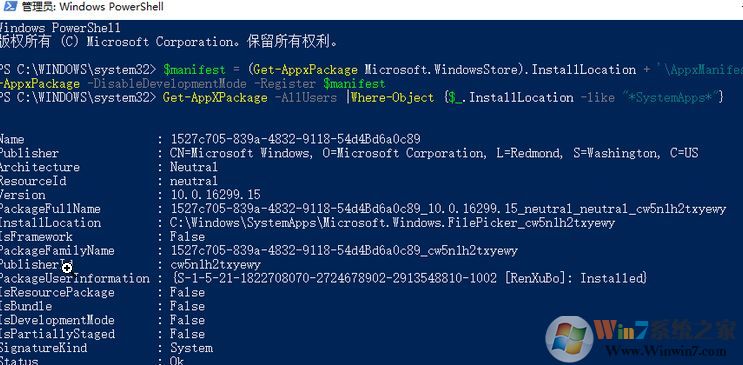 6、完成后关闭Powershell 7、重启您的计算机即可解决问题!
以上便是winwi7小编给大家分享介绍的关于win10系统更新后开始菜单失效没反应的解决方法!End